If you don't know your cPanel password:
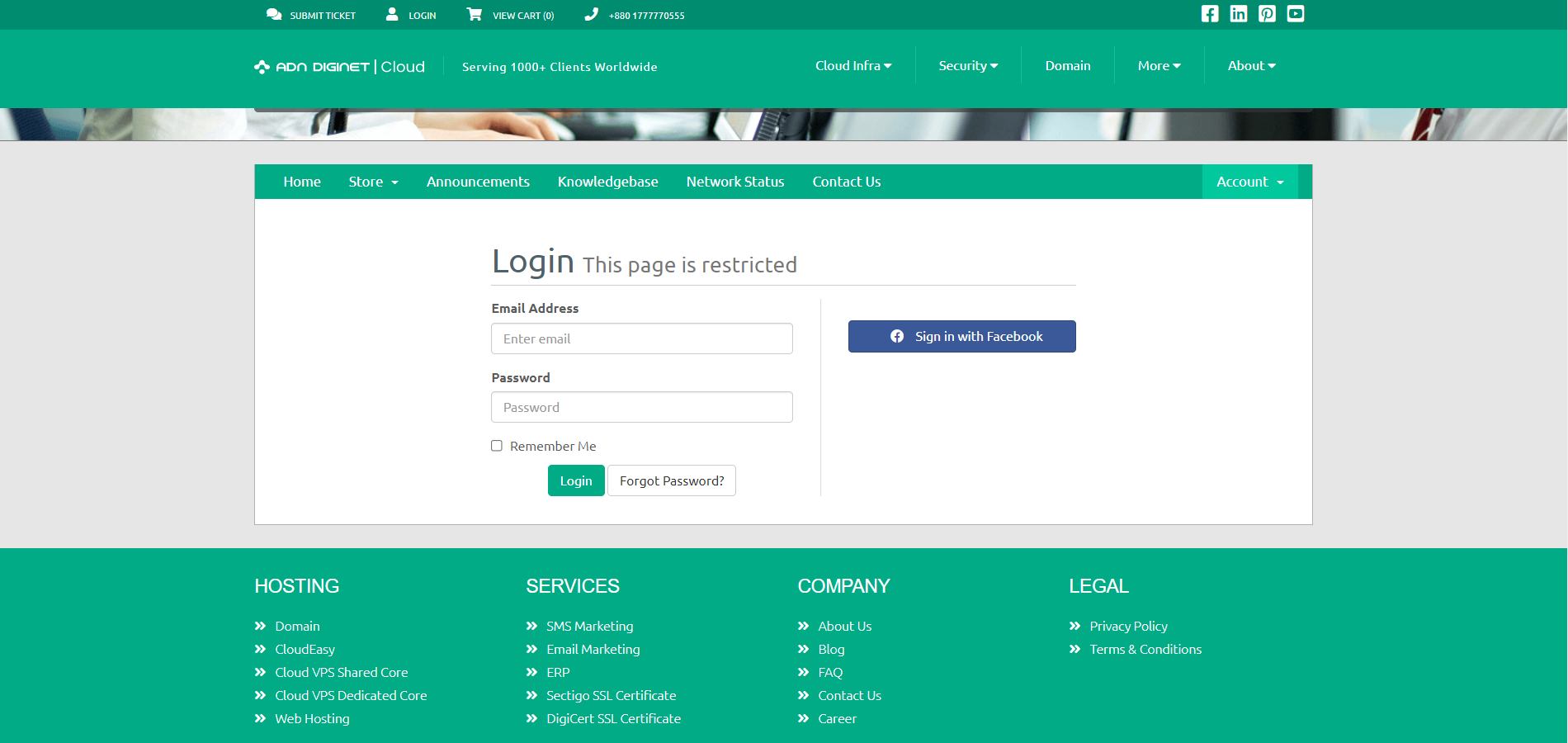
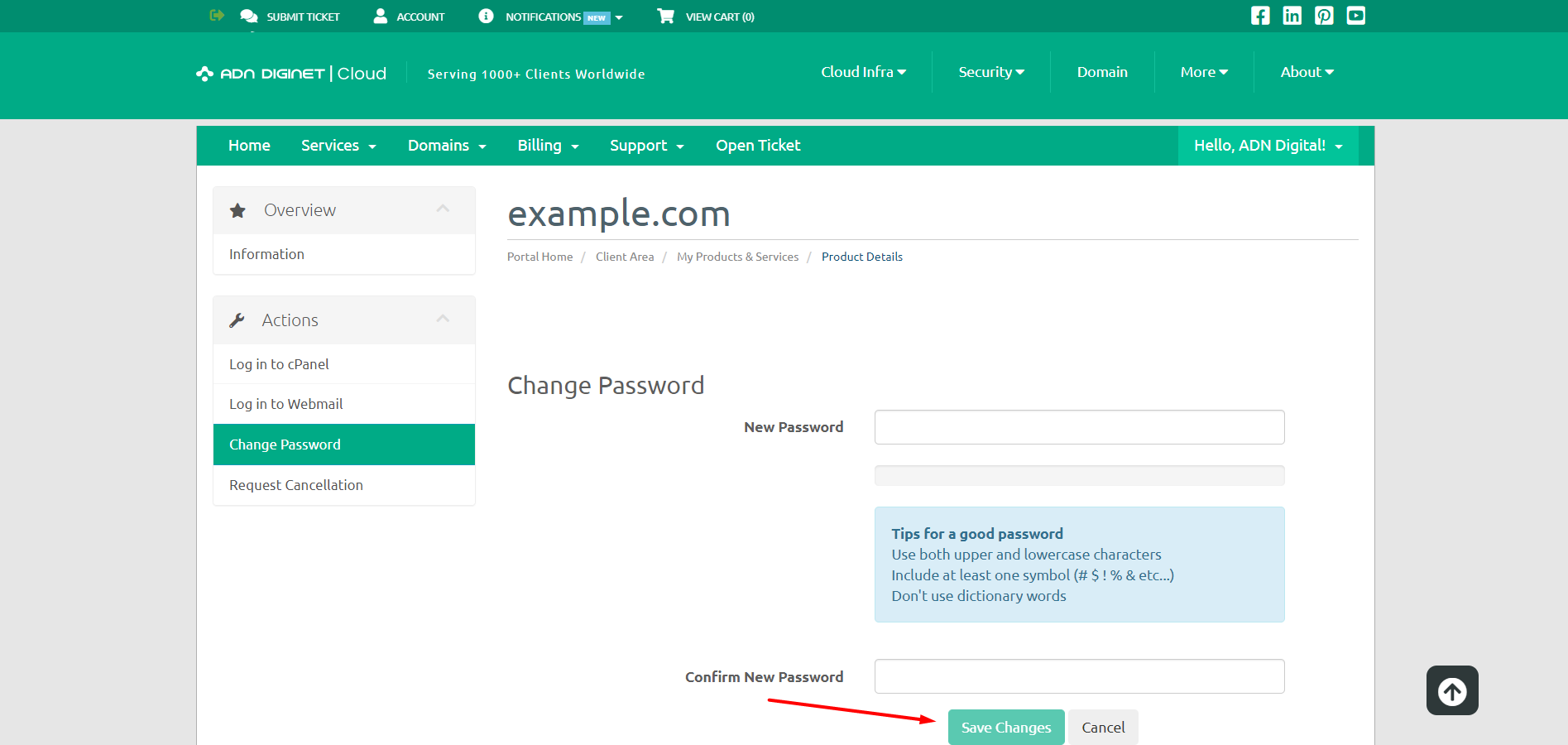
Step 01: Log in to the client area.
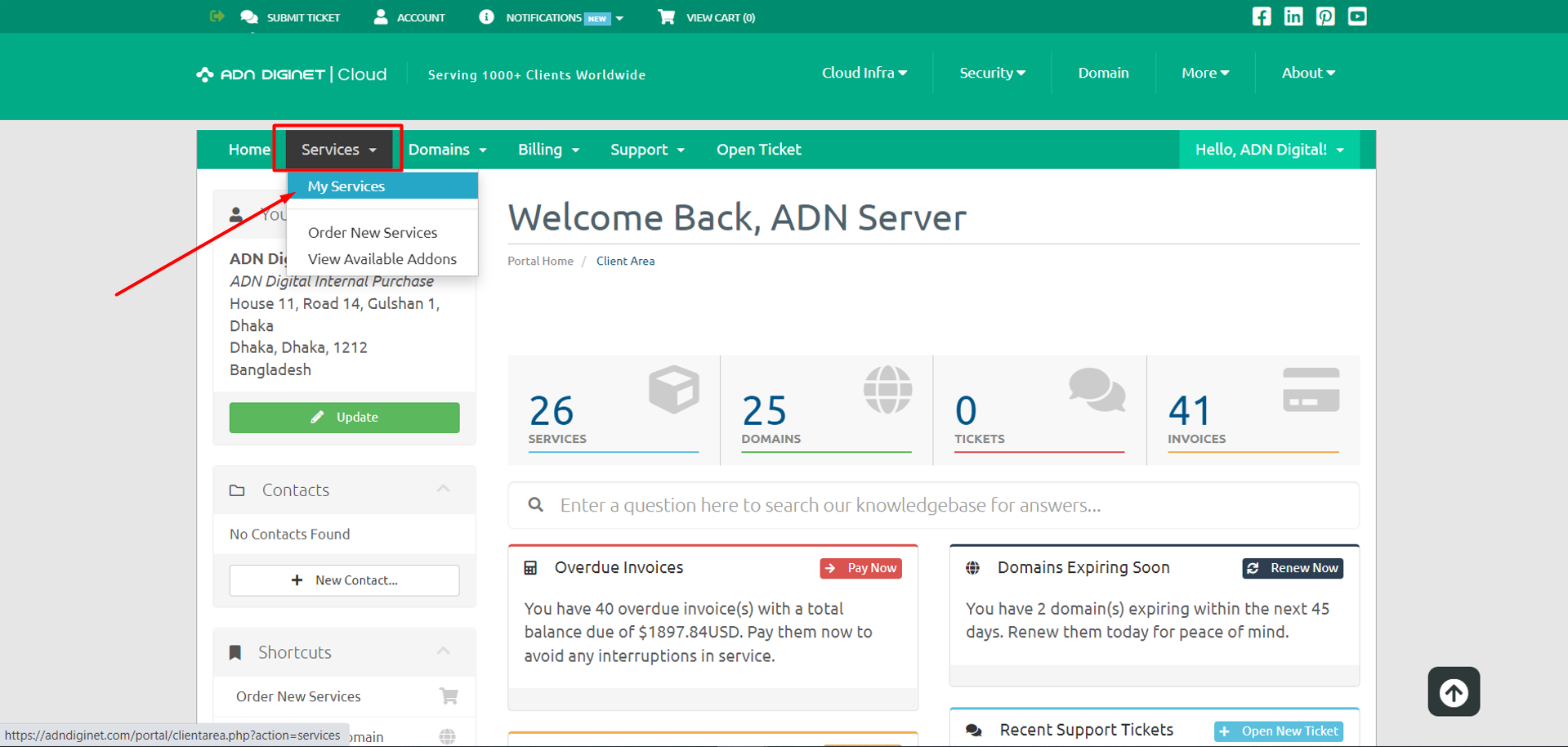
Step 02: Locate the "Services" menu and click on "My services"
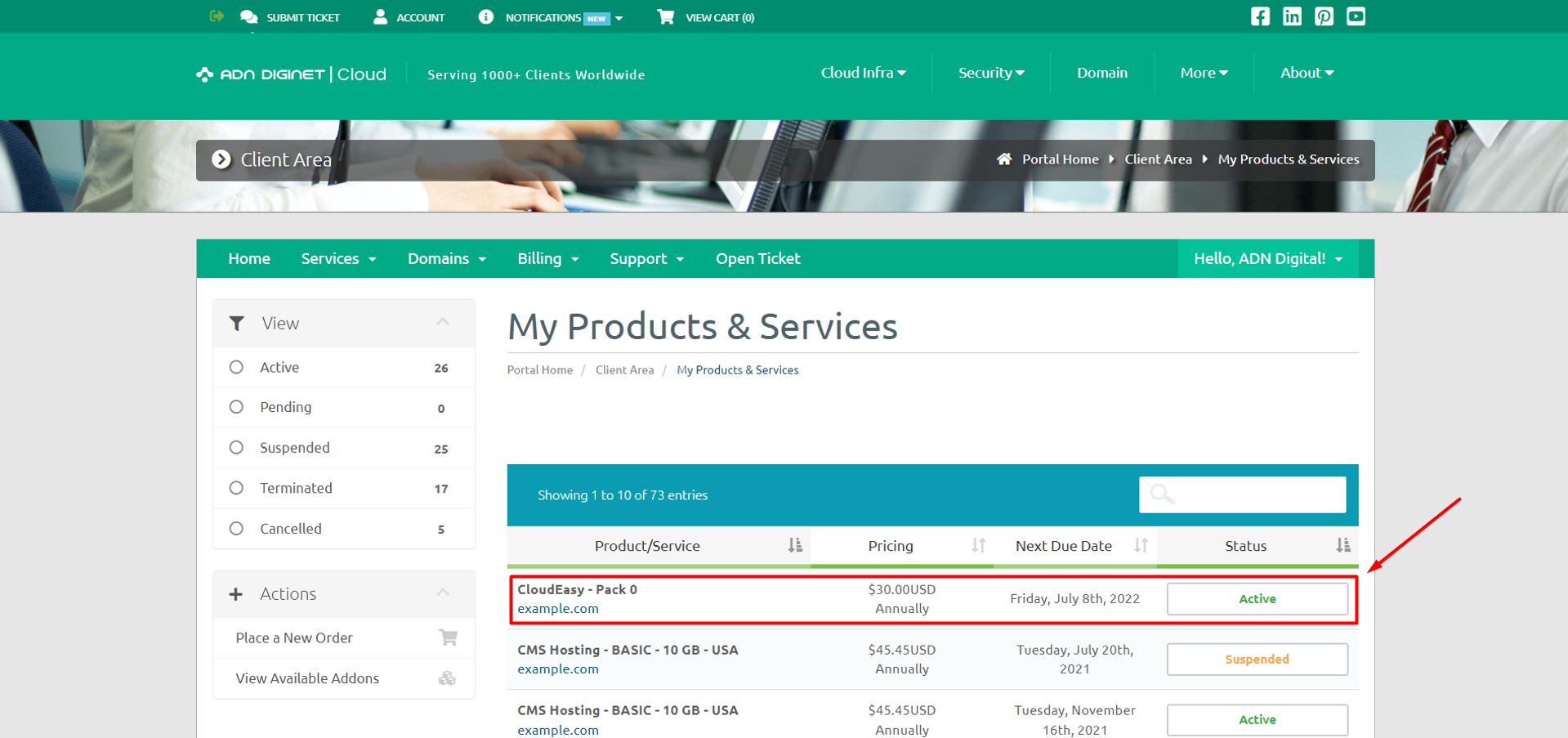
Step 03: Select the service you wish to change the password for.
Step 04: Click on "Change Password".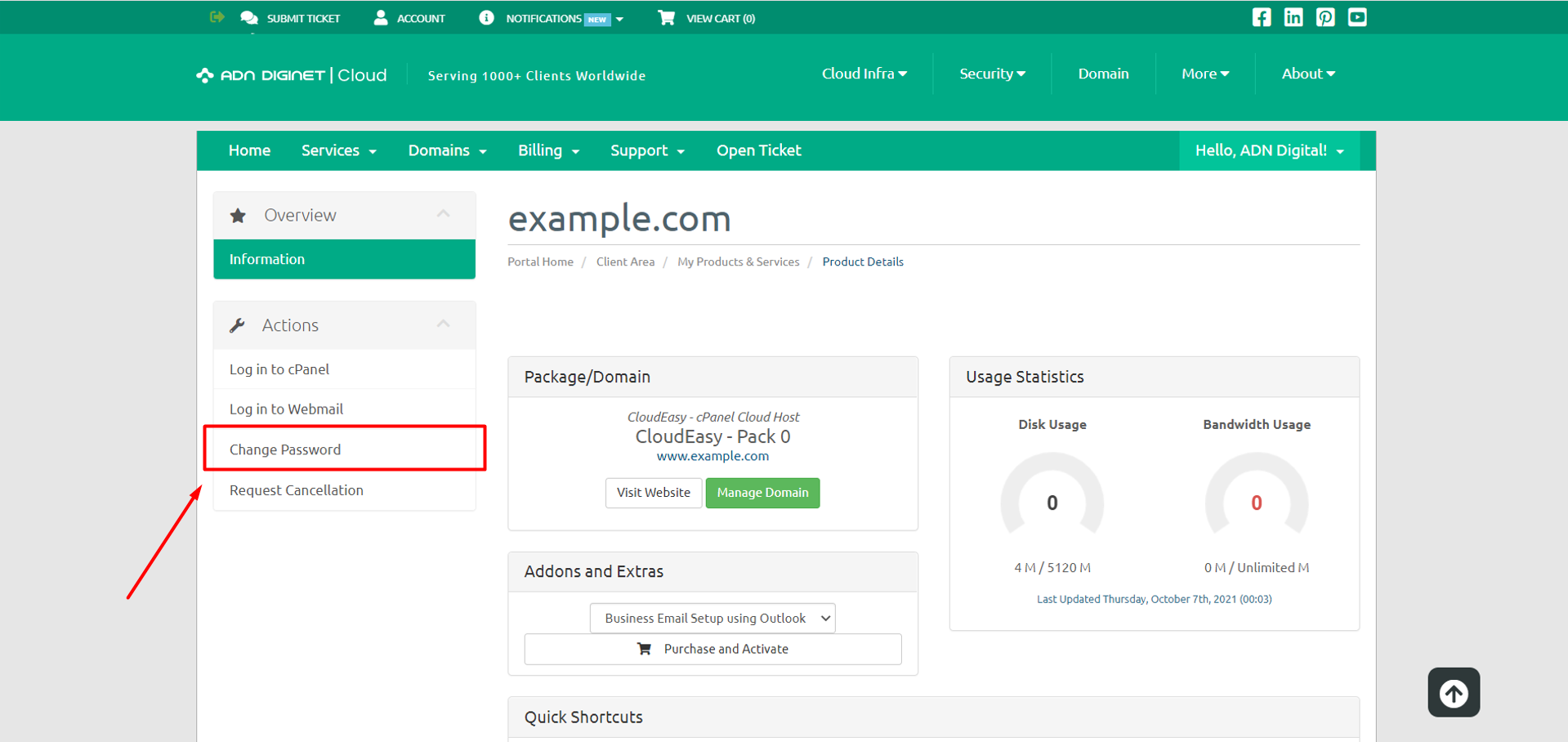
Step 05: Enter the required information.
Step 06: Click the "Save Changes" button.
If you know your cPanel password:
Step 01: Log in to cPanel.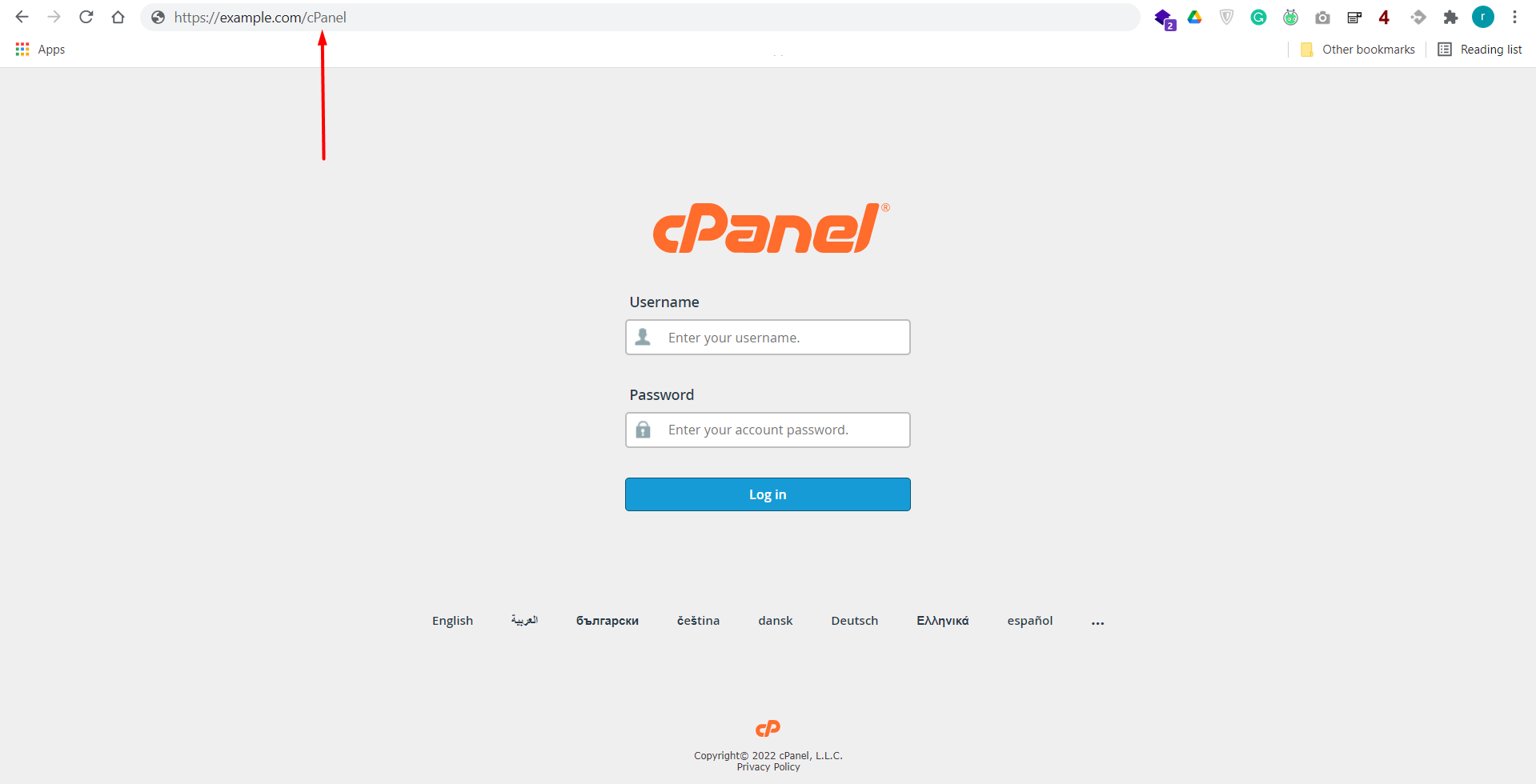
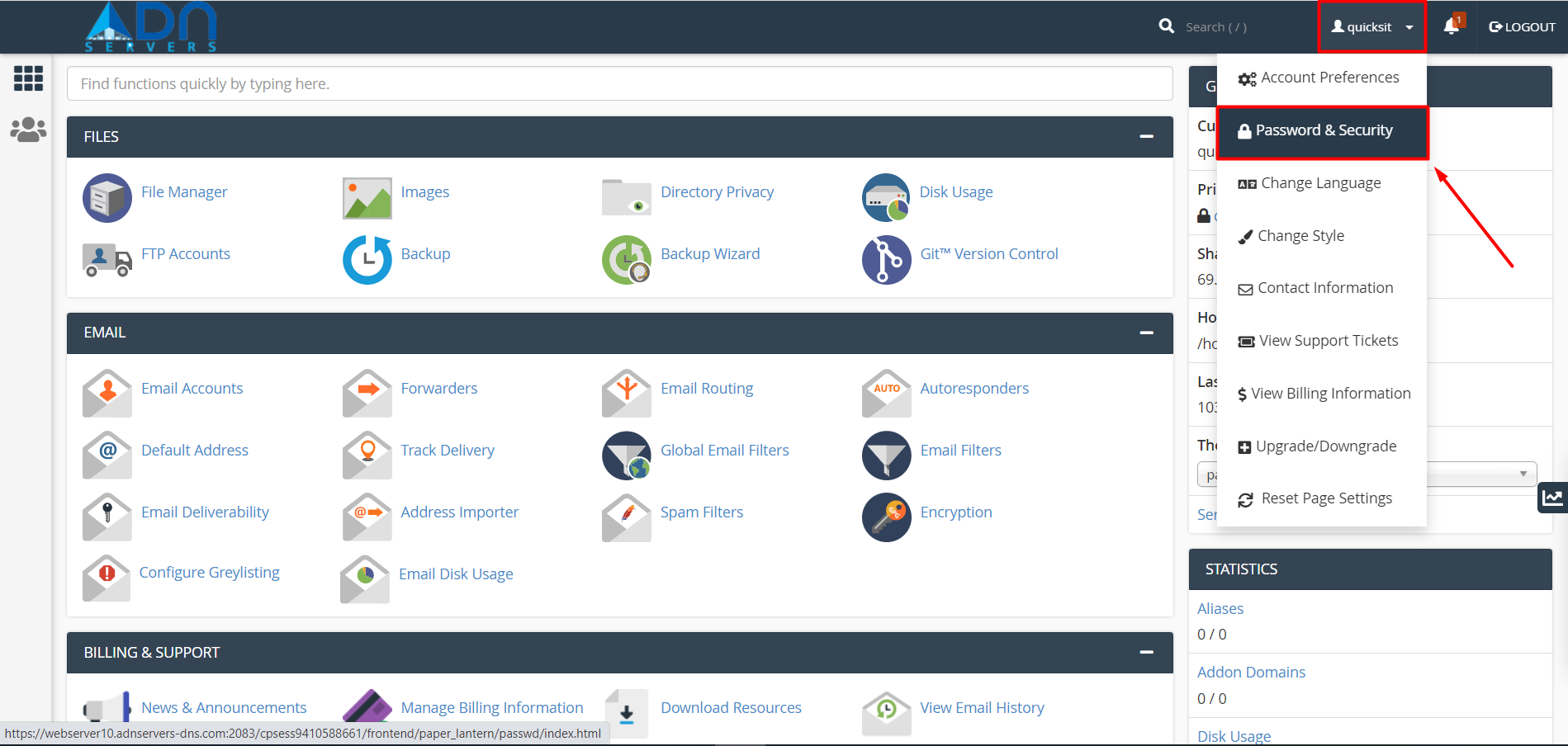
Step 02: Locate the "Change Password" icon.
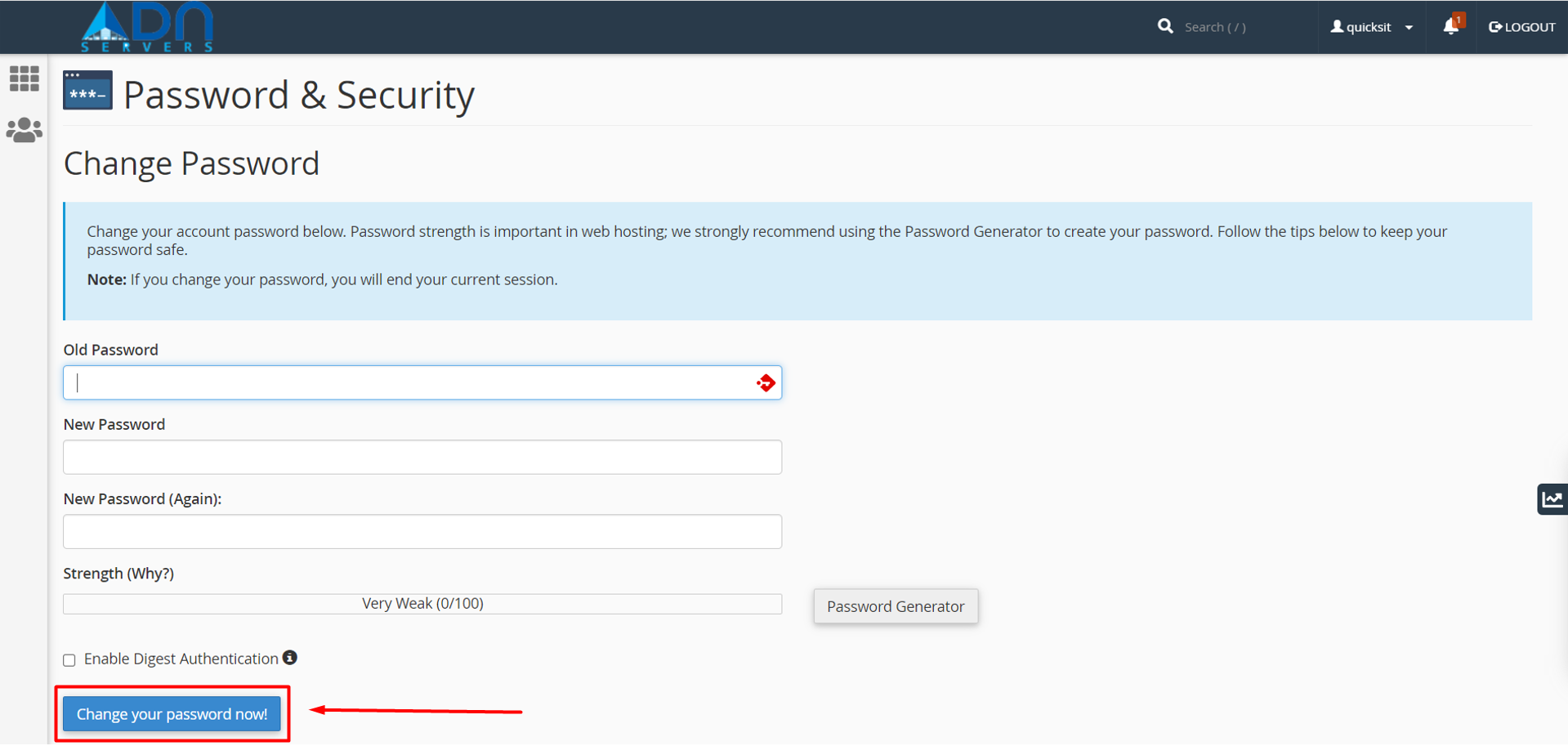
Step 03: Fill in the required fields.
Step 04: Click the "Change your password now" button.
OR If you're facing any issues please email us at support@adndiginet.com for more technical support.


