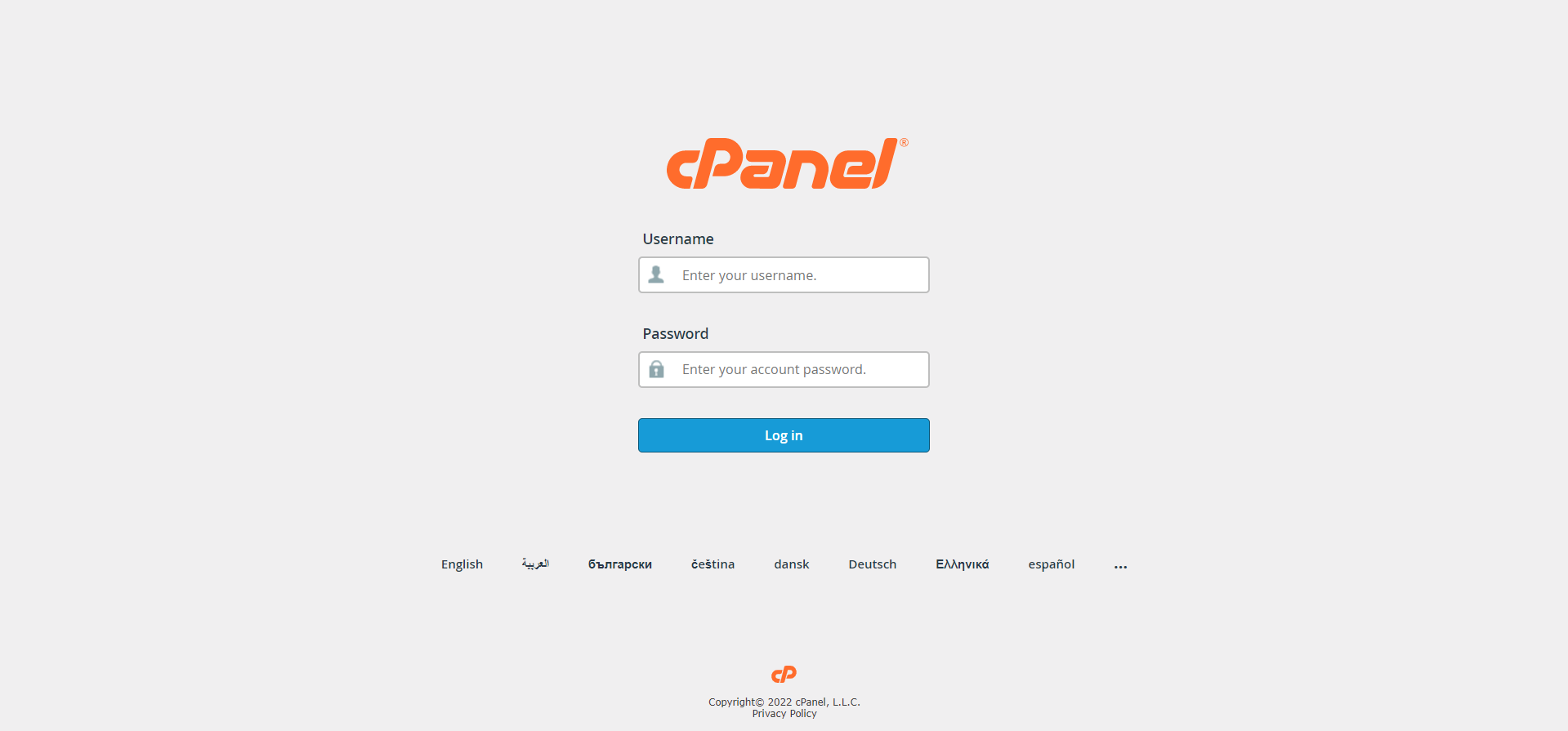
Step 01: Login into cPanel.
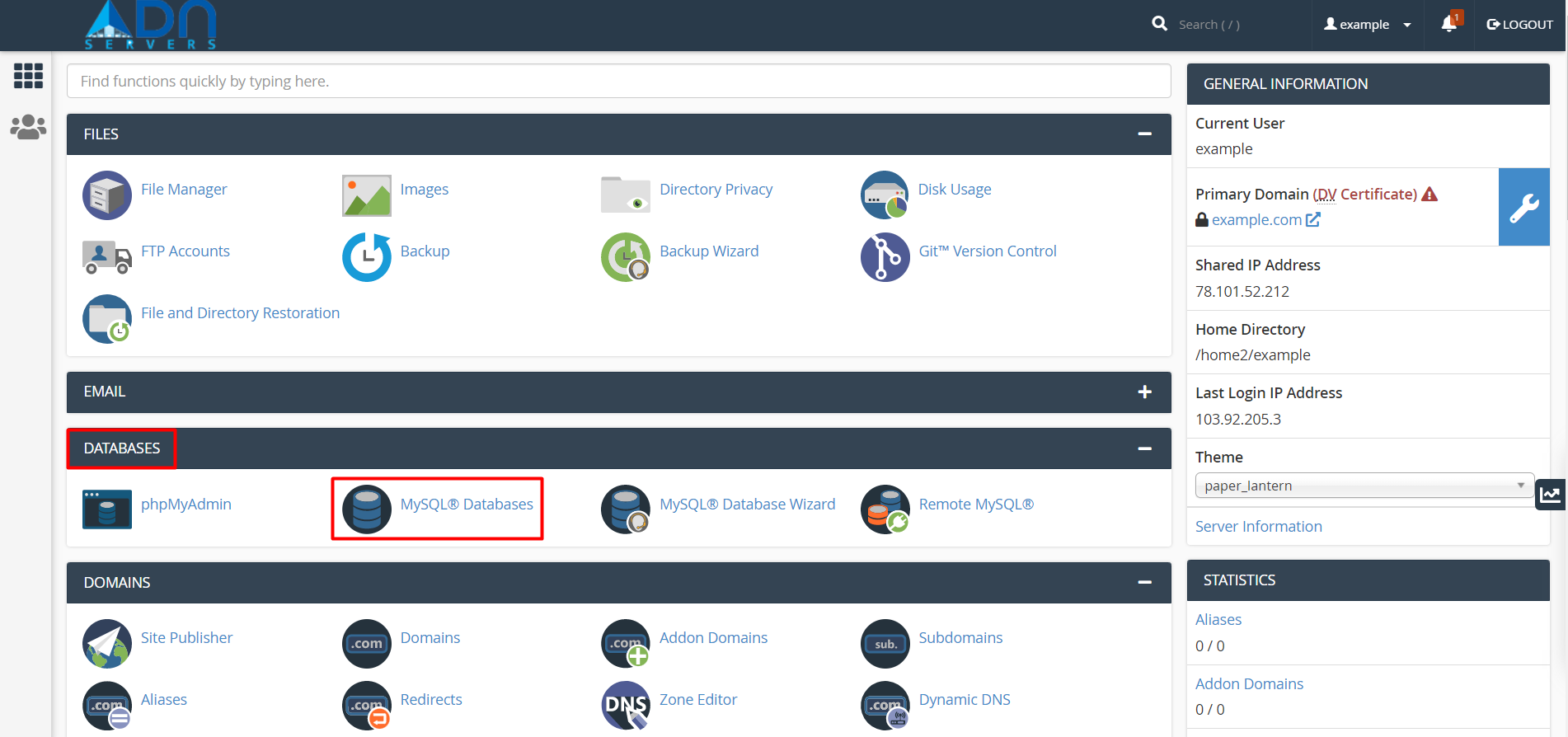
Step 02: Look for the Databases section, then click MySQL Databases.
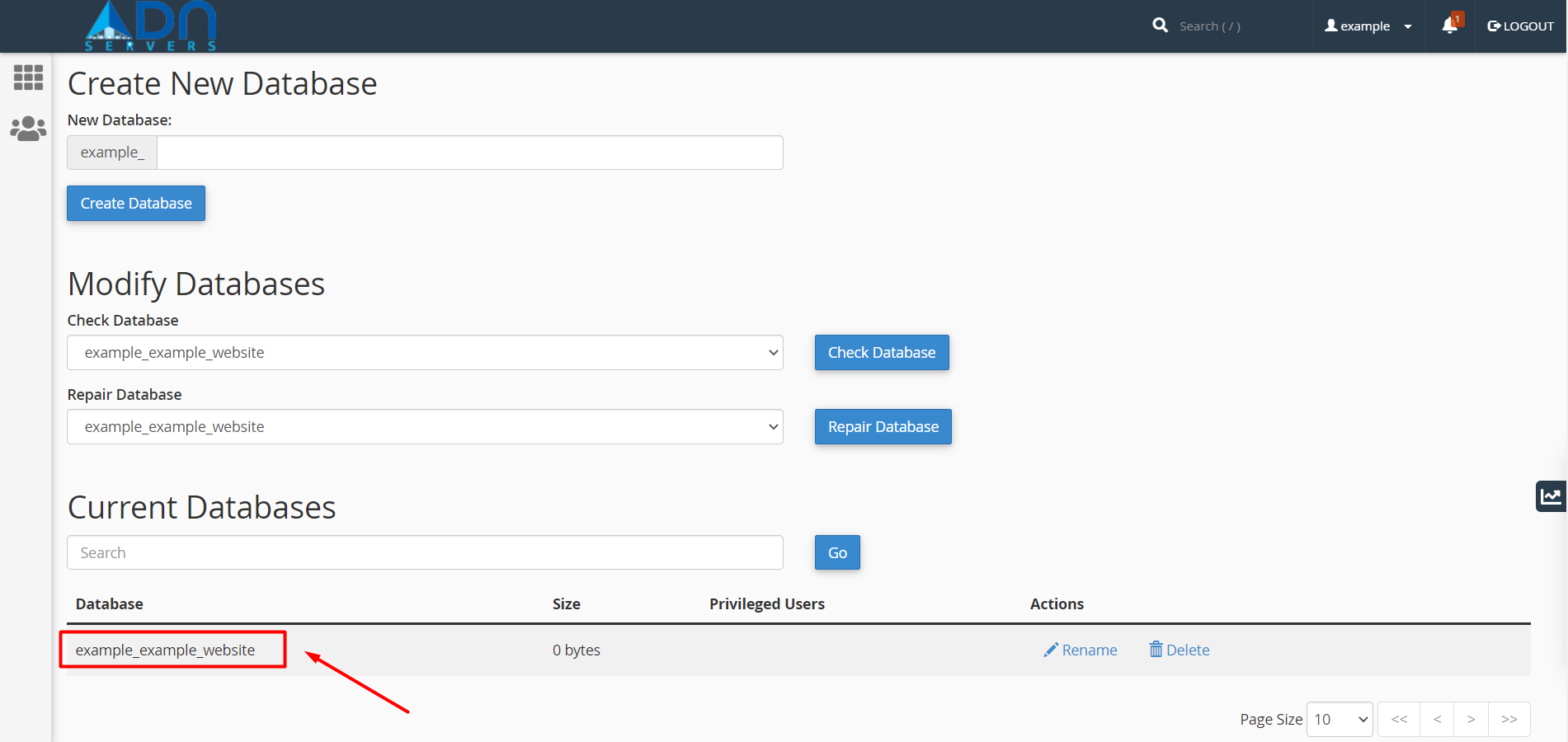
Step 03: Navigate to the Current Databases section of MySQL Databases.
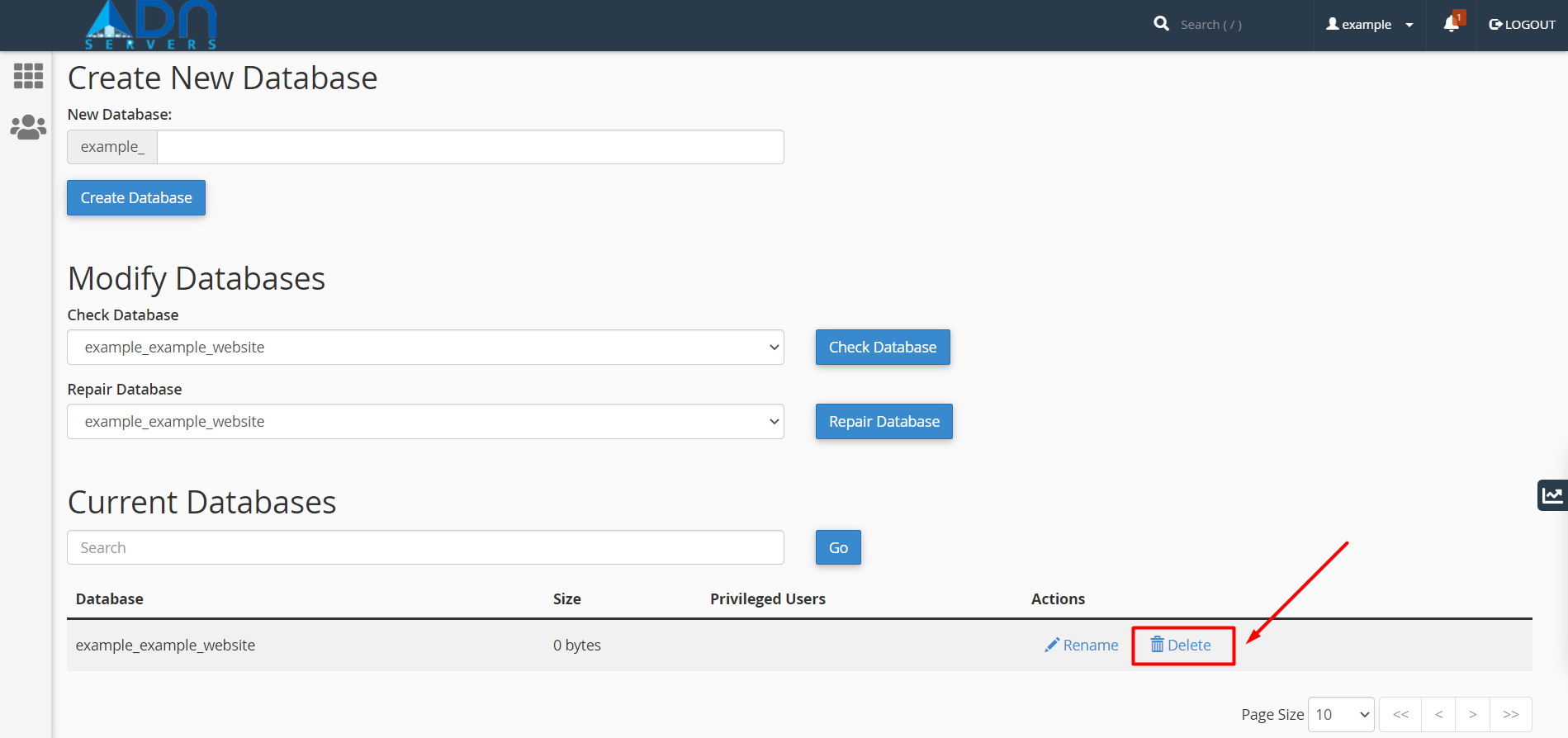
Step 04: In the Actions column of the table, click Delete next to the database you wish to delete.
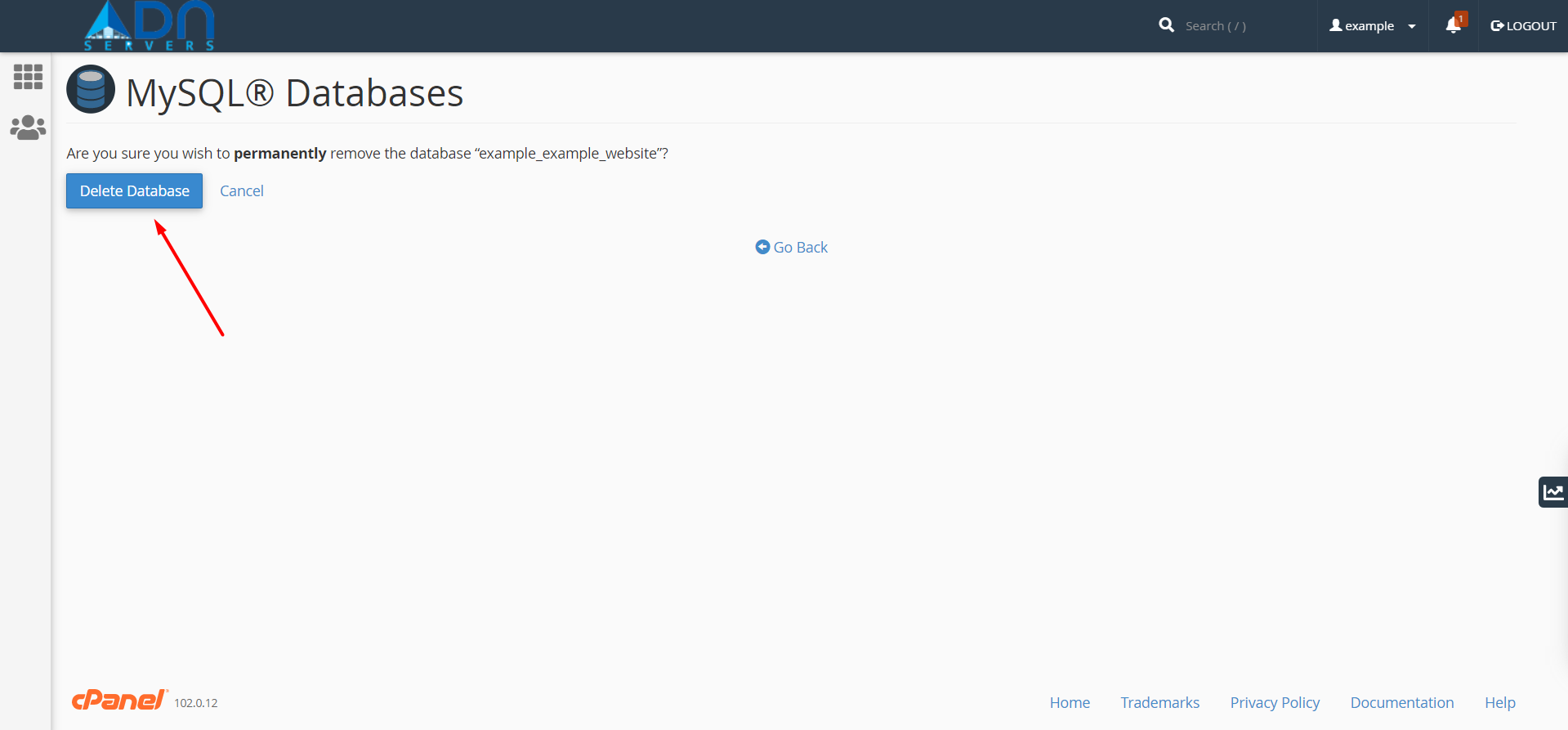
Step 05: Confirm that you wish to remove the database permanently.
OR If you will face any issues, please email us at support@adndiginet.com for more technical support.


