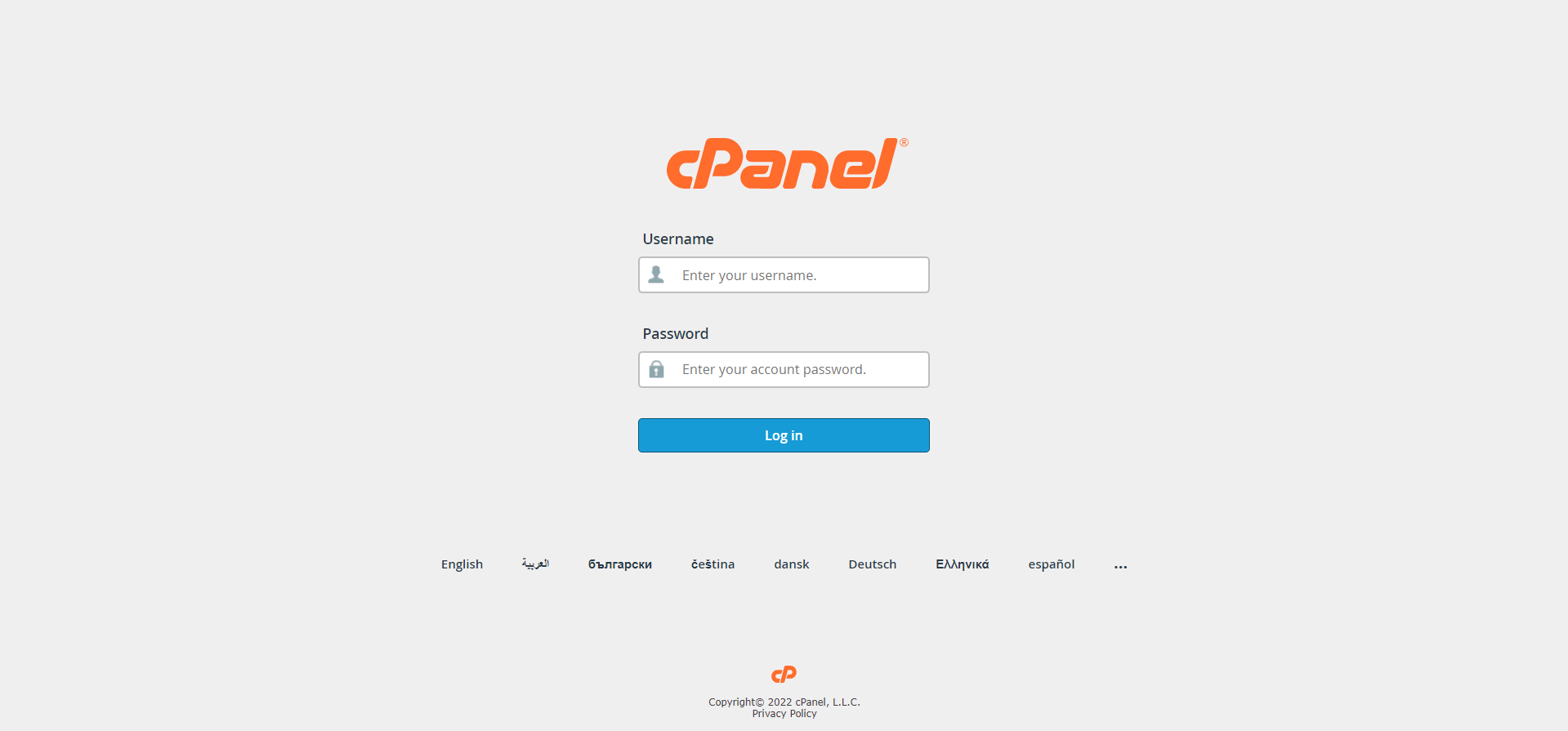
Step 01: Login into your cPanel account.
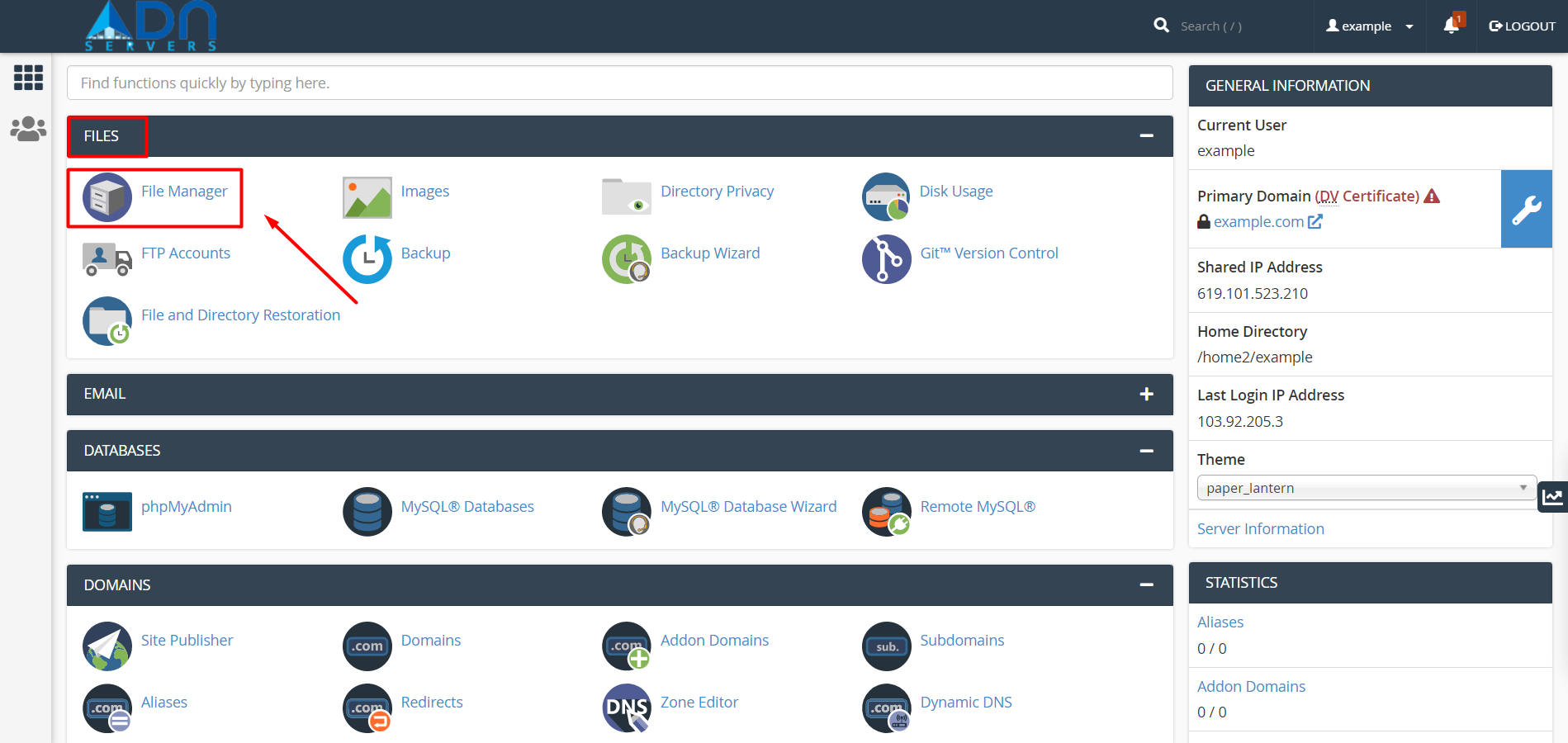
Step 02: Locate the file section and then click on File manager.
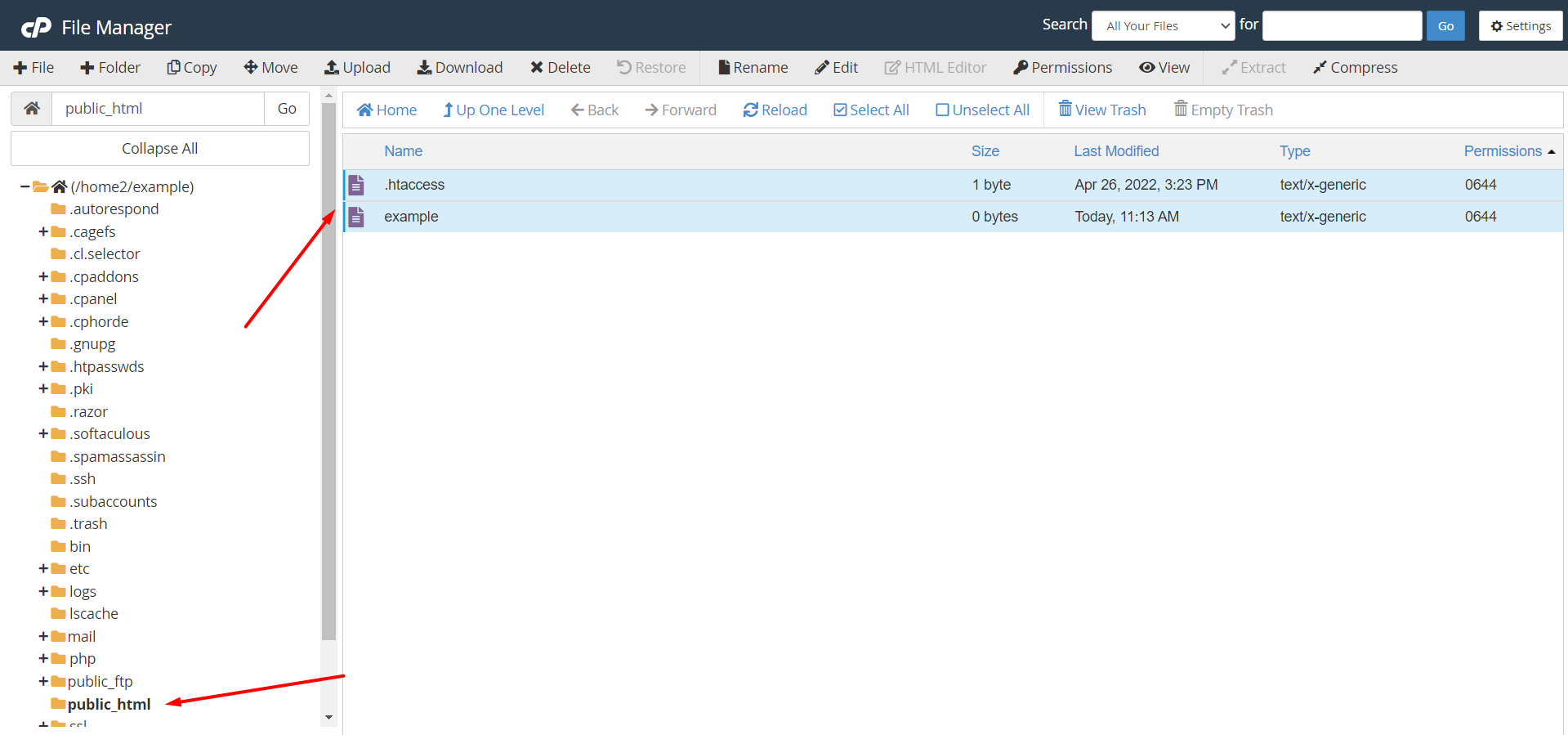
Step 03: Navigate to the file in public_html/any other folder (you can also select multiple files).
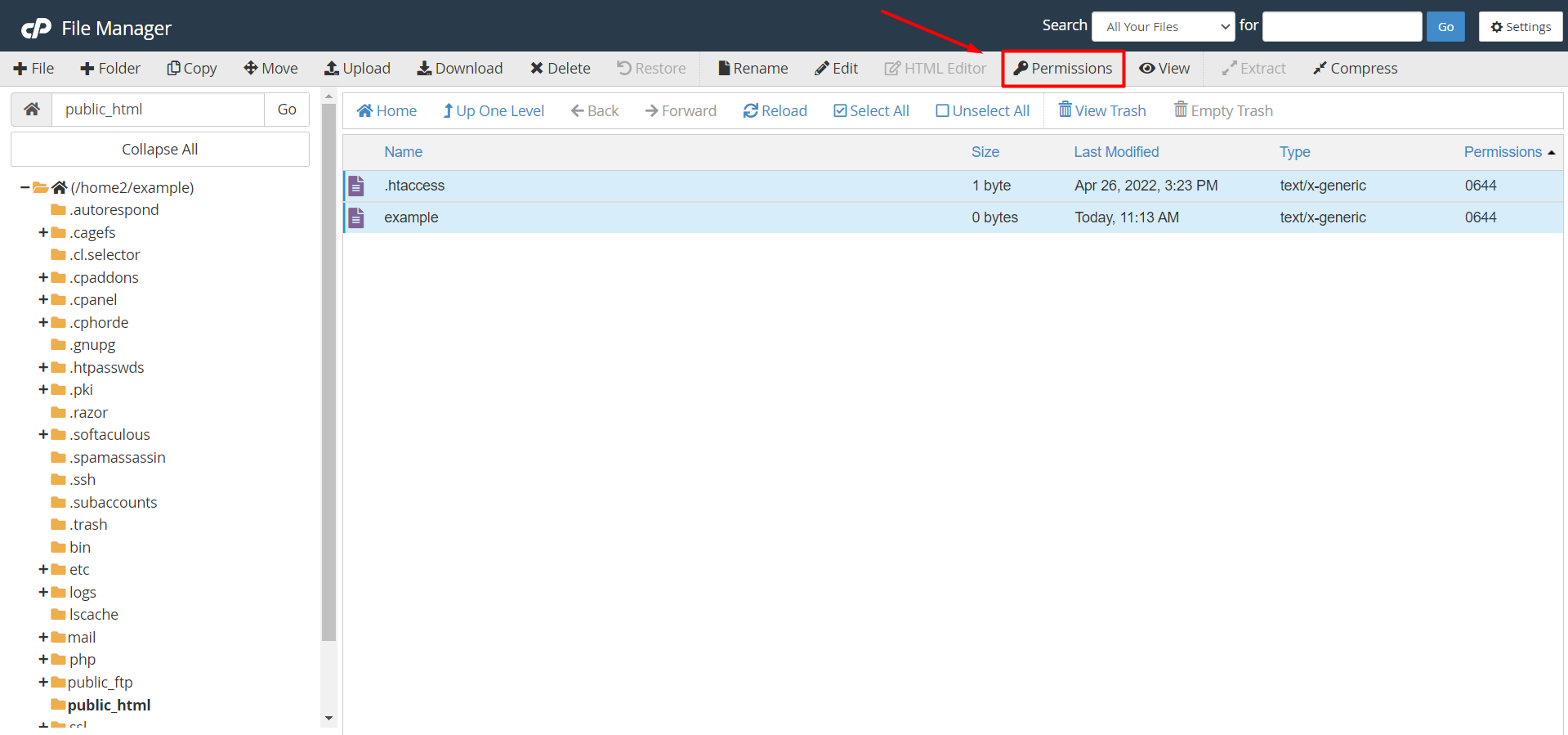
Step 04: Click the Permissions button from the top menu.
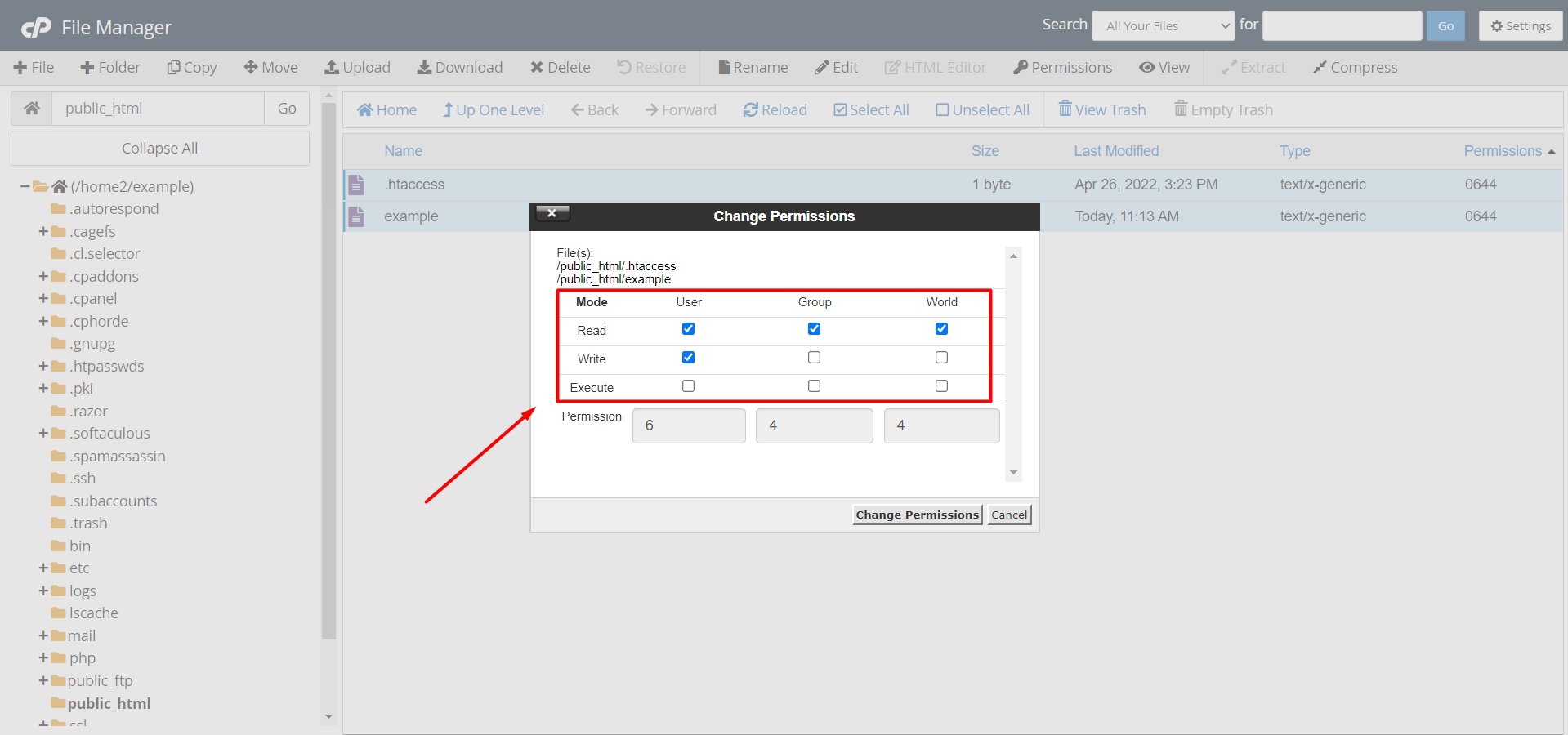
Step 05: Select the desired file permission in the Change Permission window.
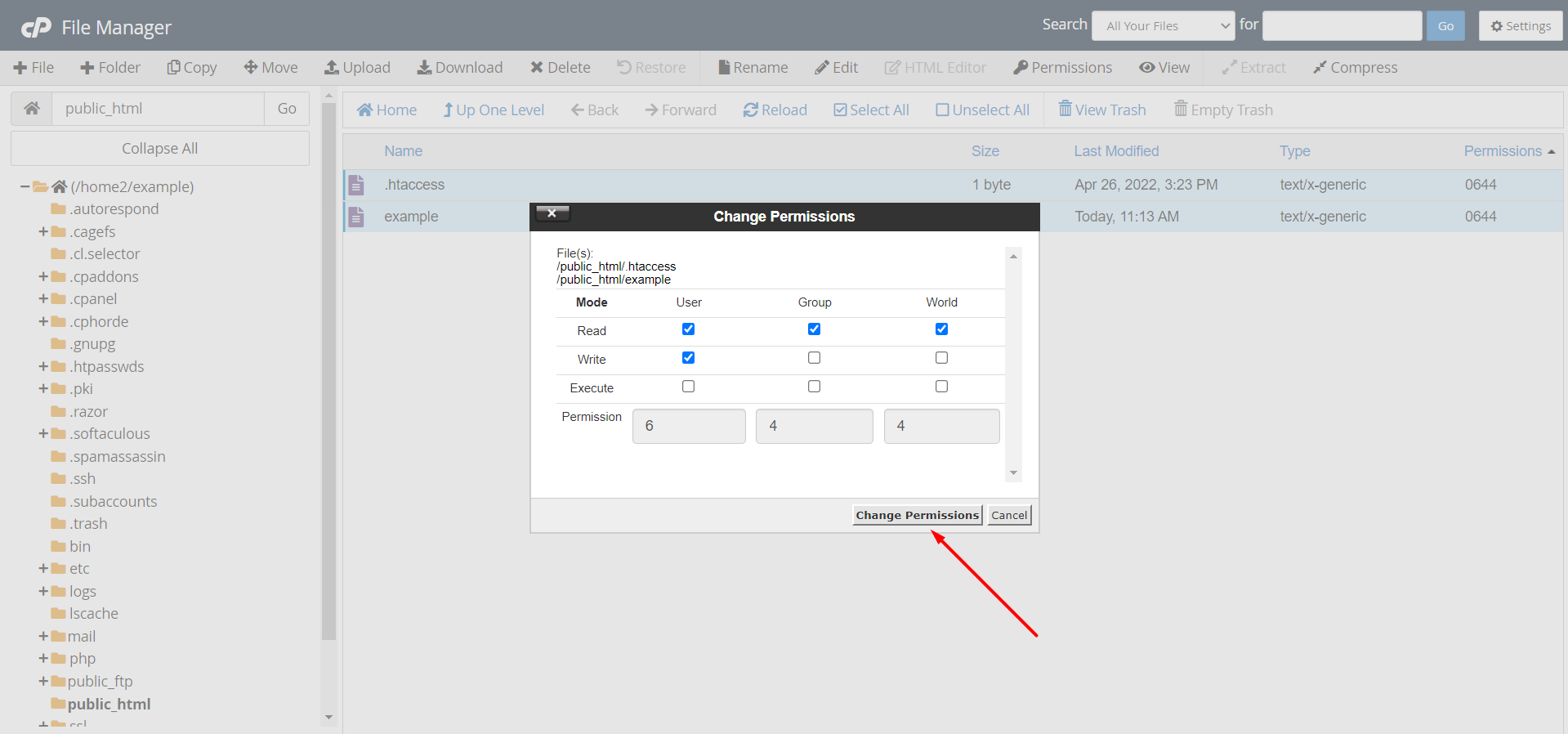
Step 06: Click the Change Permissions button.
OR If you still have trouble please email us at support@adndiginet.com for more technical support.


