Step 01: Login into your cPanel account.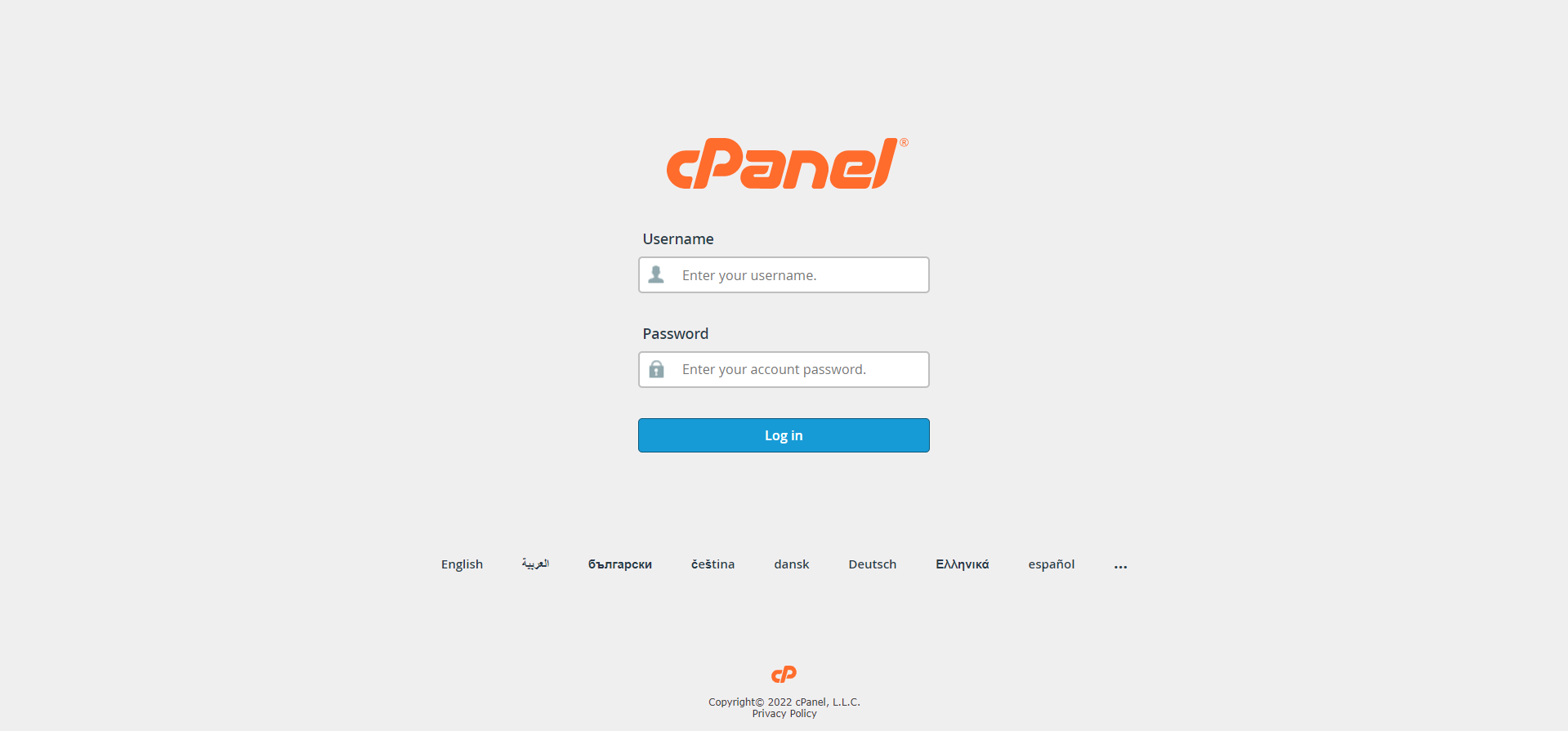
Step 02: Locate and click “File Manager” in the files panel.

Step 03: Click “Settings” in the top right of the file manager.

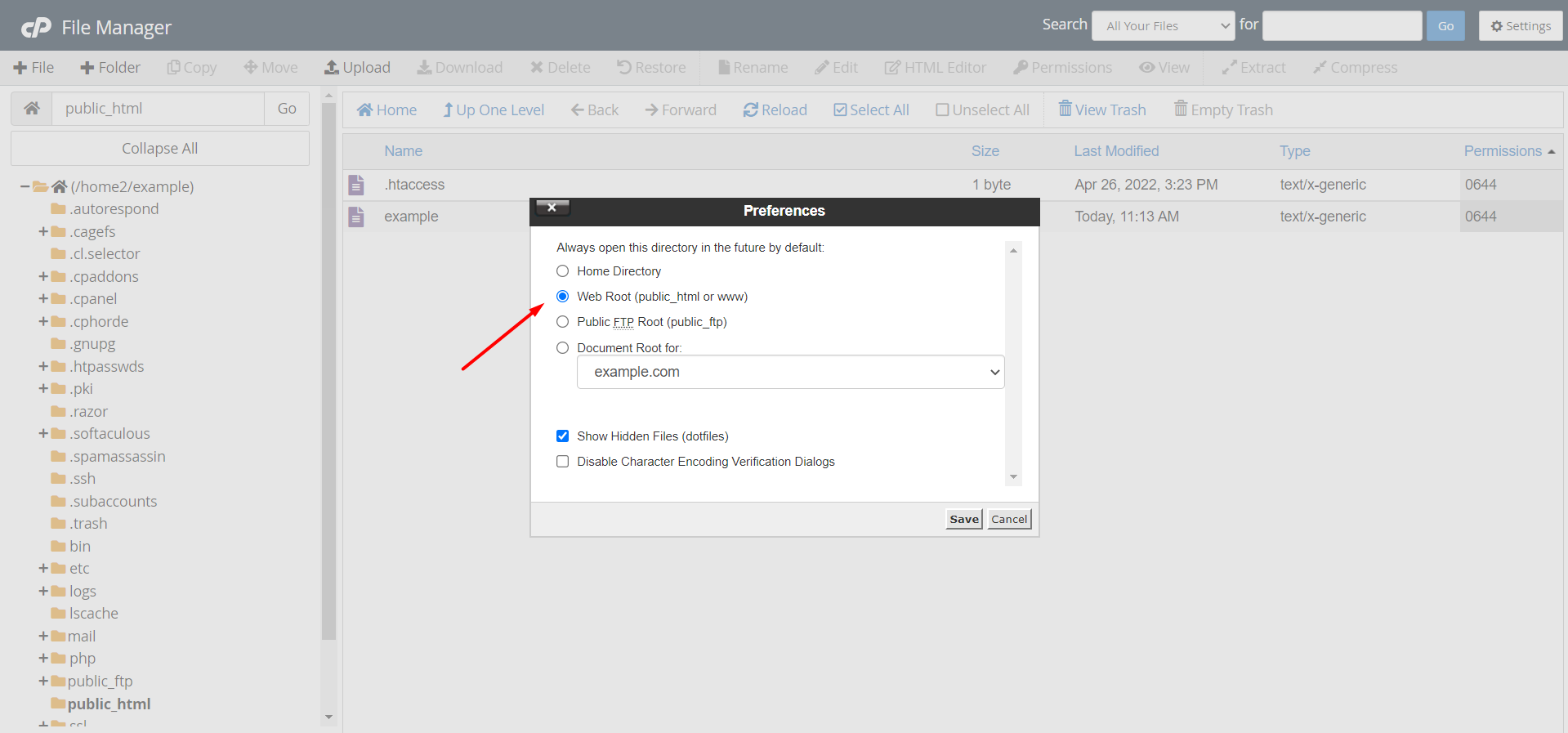
Step 04: Choose the Document Root (usually you can leave this as the default).
Step 05: Check the box titled “Show Hidden Files (dotfiles).
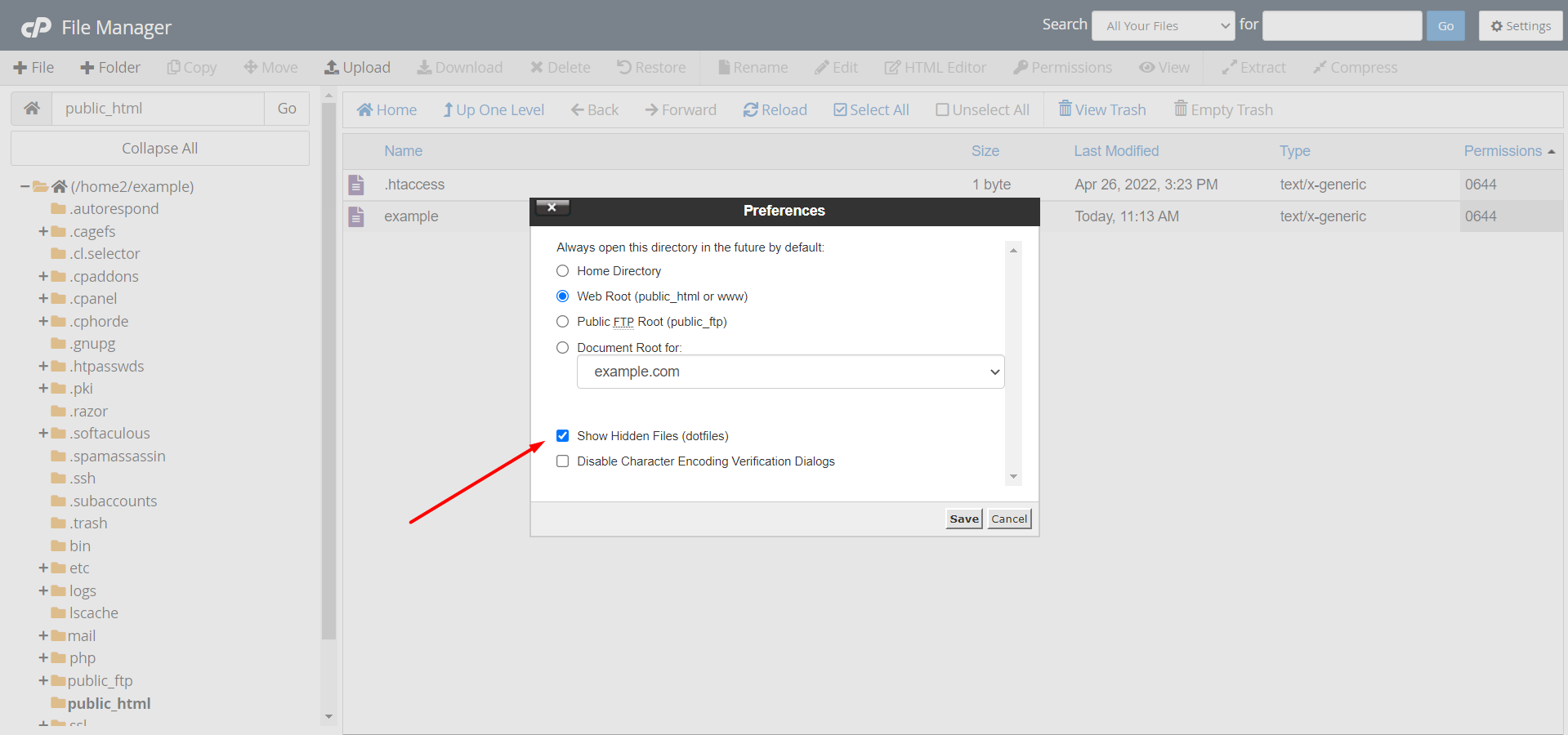
Step 06: Click Save.

OR If you still have trouble please email us at support@adndiginet.com for more technical support.


